Class Schedule (LSF)
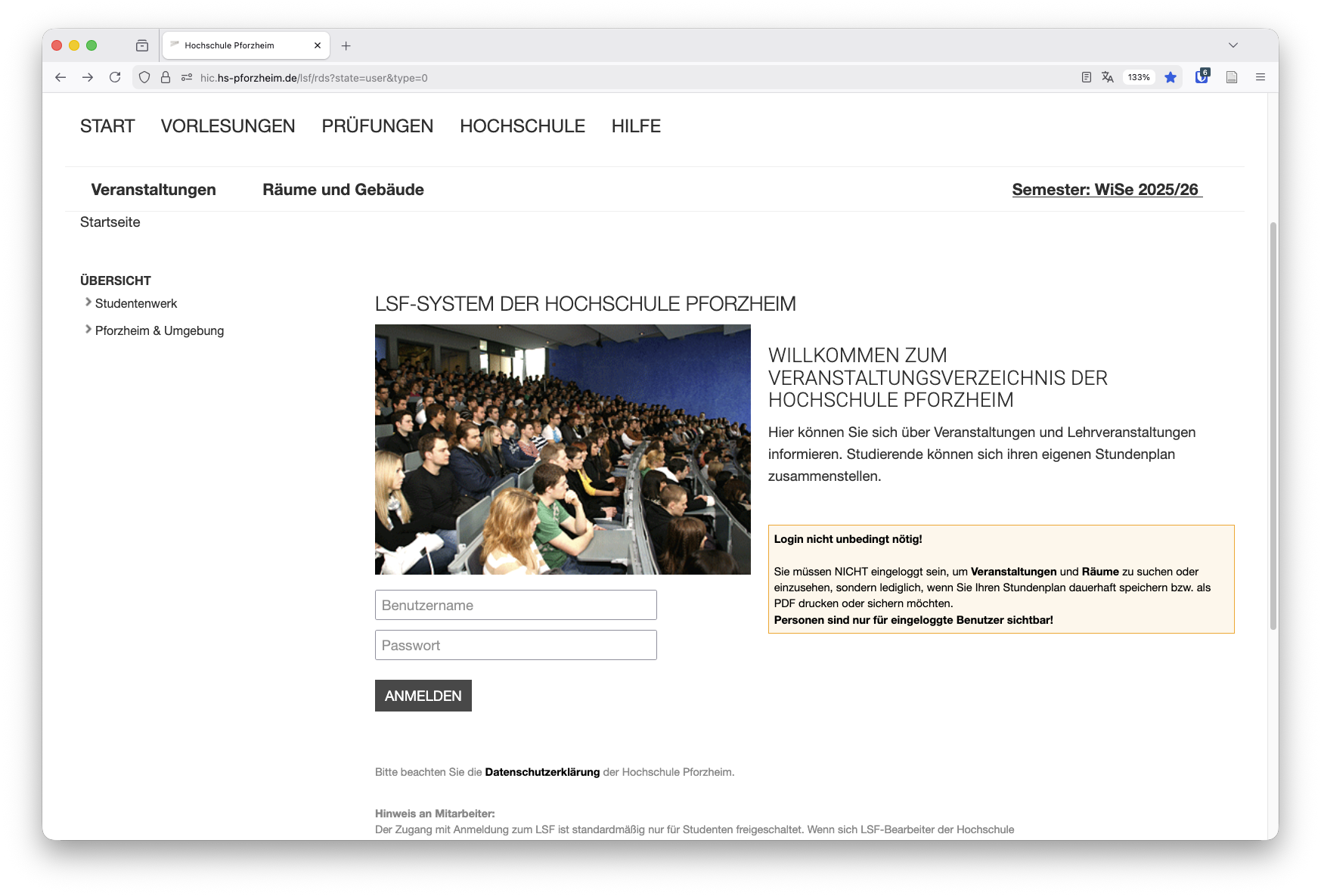
In the course directory (QIS-LSF) of Pforzheim University, you can find information about events and classes. Students can build their own personal schedule.
Many QIS-LSF functions can be used without logging in. This includes:
- viewing classes and course directories
- checking degree program schedules
- searching rooms and room occupancy
- viewing canceled or rescheduled classes
A login is required if you want to:
- create or save a personal schedule
- download or save your schedule as PDF
- search for people (lecturers, staff) and view their information
People are visible only to logged-in users.
Getting Started and Login
Content of This Documentation
- Getting Started & Login - Access QIS-LSF through E-Campus and login guidance
- Degree Program Schedules - View lecture and course plans of a program
- Personal Schedule - Create, save, and manage your schedule
- Course Search - Search and add courses specifically
- People & Office Hours - Find lecturers and view office hours
- Rooms & Room Occupancy - Search rooms and display occupancy plans
- Canceled or Rescheduled Classes - Current changes in teaching operations
Use the subpages below to learn the exact function you need.
Last updated on