Getting Started and Login
Entry via Website and E-Campus
Access to QIS-LSF is available either through a direct link on the university website homepage or through E-Campus. Via the website, you can go directly to LSF without logging in to E-Campus first.

Alternatively, you can open QIS-LSF via E-Campus. Navigate to the relevant section for lecture and course planning.

Login in QIS-LSF
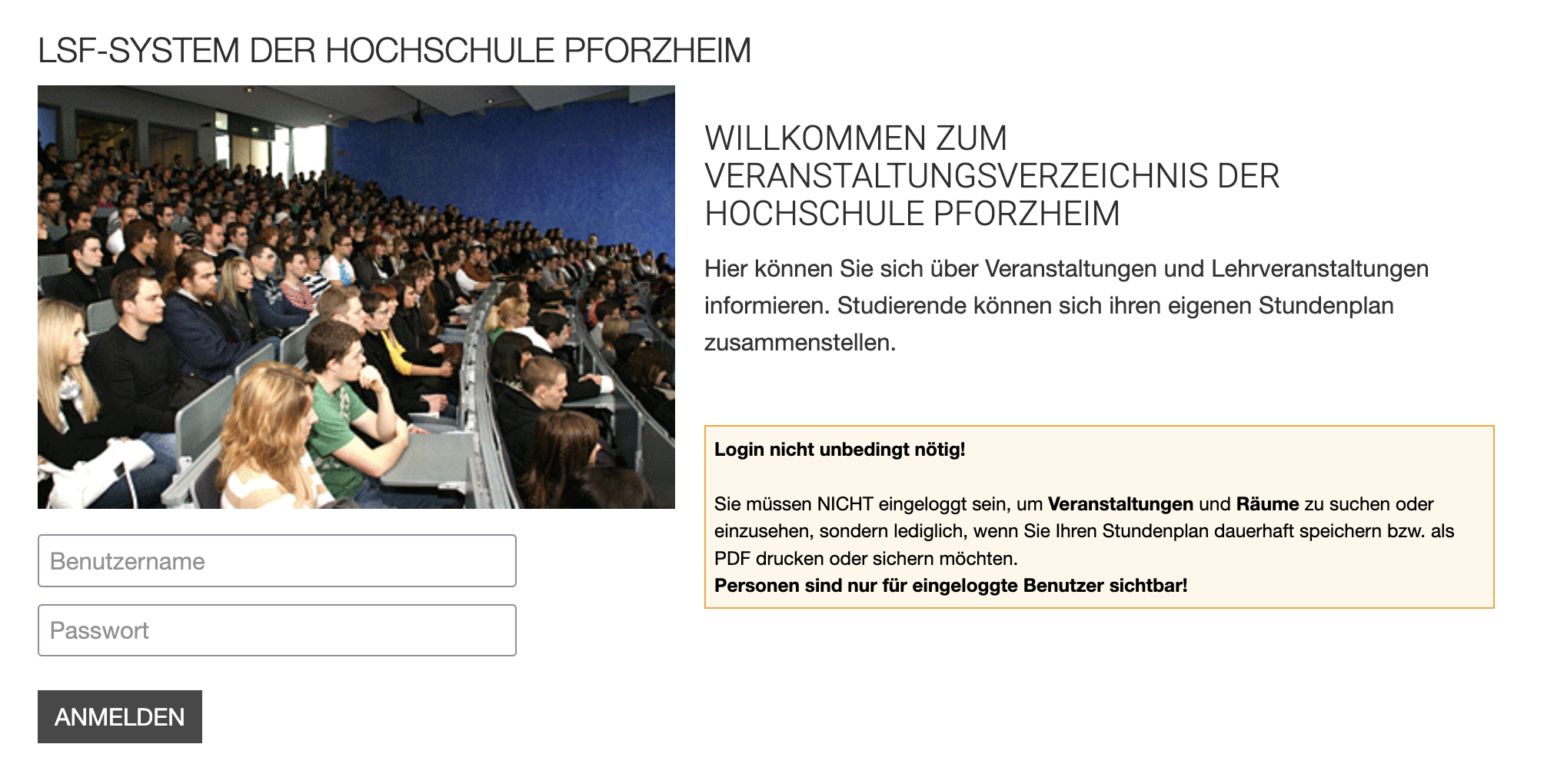
Sign in with your usual university username and password. Please make sure capitalization is correct, as it matters for login.
Overview After Login
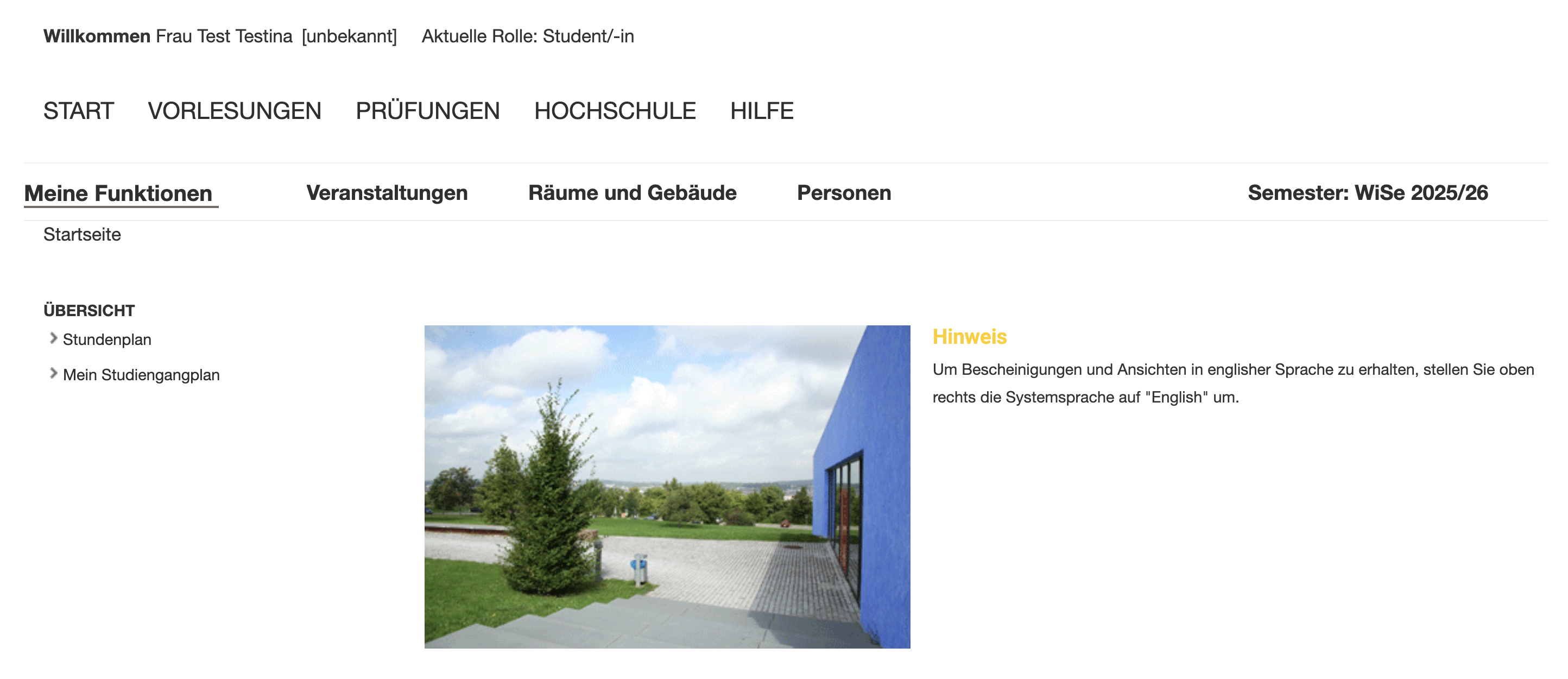
After successful login, you land on the QIS-LSF homepage. It provides a central overview of all relevant functions.
Top area
In the top area, you see:
- top right: the currently selected semester
- the main navigation with Home, Courses, Exams, University, and Help
Navigation area (left)
Here you find subject navigation with these areas:
Courses - Access to course directory, degree program schedules, and course search
Rooms and Buildings - Search rooms and display room occupancy
People - Search lecturers and staff (only while logged in) In the left navigation under My Functions, you also have:
Schedule - View and manage your personal schedule
My Degree Program Schedule - Overview of your degree program lecture plan