Degree Program Schedules
Degree program schedules show the planned courses of your study program for a specific semester. The schedule is usually designed to be conflict-free within one semester. However, if you take courses from other semesters (for example repeats or elective/specialization modules), overlaps may still occur.
What is the degree program schedule?
The degree program schedule (also: lecture plan/course plan) is the standard overview for your semester. It helps you:
- get a quick overview of your regular classes,
- check times (weekday, time, room),
- bookmark individual classes for your personal schedule.
How to open the degree program schedule
You have two typical ways:
- Via My Functions -> My Degree Program Schedule.

- Alternatively via Courses and then Degree Program Schedules.
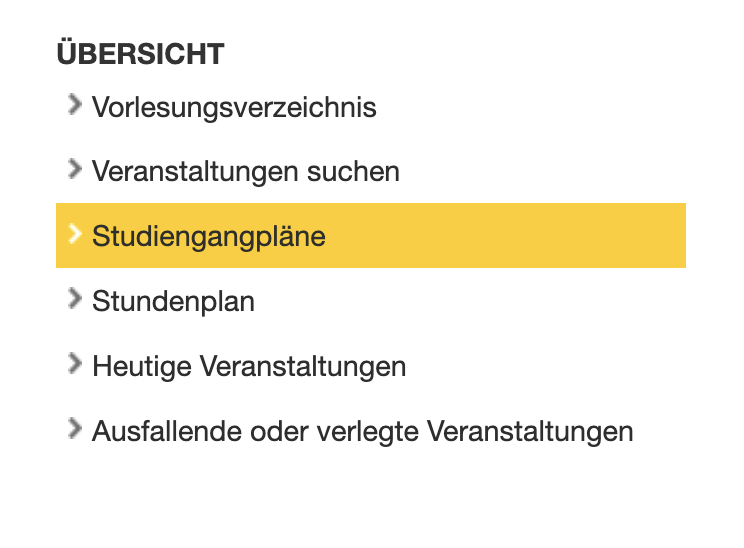
Select study program and start search
After opening degree program schedules, a search form appears.
- Select the study program via Selection.
- Optional: narrow the plan using From Semester / To Semester.
- Optional: use filters like Category or Study Phase.
- Click Start Search to display the schedule.
What you see in the degree program schedule
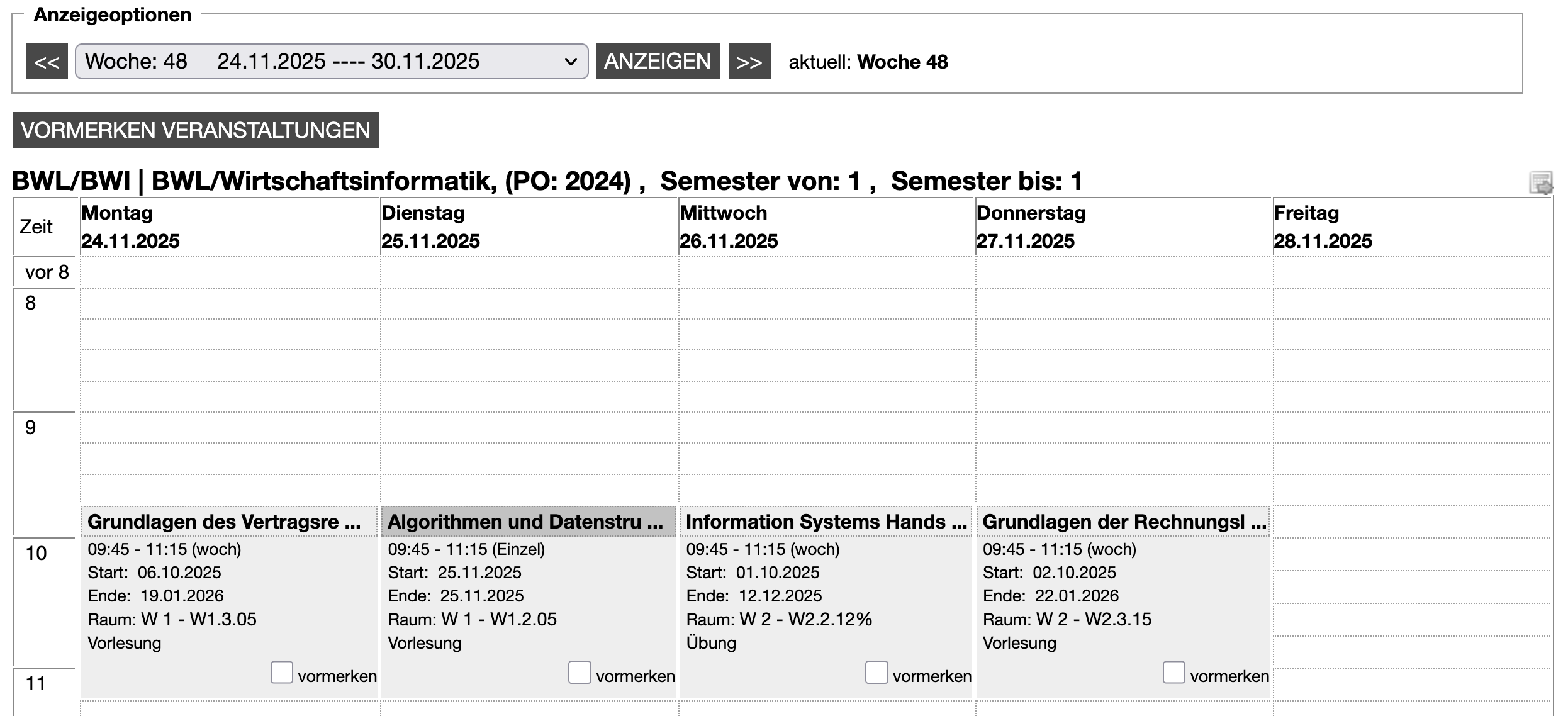
The degree program schedule is usually shown as a weekly view.
Typical content:
- Weekdays as columns and times as rows
- tiles with course title, time, period, room, and type (for example lecture/tutorial)
- a bookmark checkbox per course
Use display options above the schedule to control the period:
- select week directly (dropdown)
- switch to previous/next week with « and »
- confirm selection with Display
Bookmark courses
If you want to transfer courses to your personal schedule:
- In the plan, check bookmark for the desired course.
- Then click Bookmark Courses.
The bookmarked courses are then transferred to your personal schedule.