MFA with Cisco Duo
Overview
Multi-factor authentication (MFA) is an additional security method to protect your user account. Besides your regular password, login requires a second factor. This prevents unauthorized access even if a password has been compromised.
At Pforzheim University, MFA is implemented with Cisco Duo. The second authentication step is usually completed through the Duo Mobile app installed on a smartphone.
Why is MFA necessary?
To increase IT security and protect sensitive university data, multi-factor authentication was introduced. In the first phase, VPN access is secured with MFA using Cisco Duo.
This measure ensures that only authorized users can access the university network and significantly reduces the risk of unauthorized access.
Setting up MFA with Cisco Duo
Invitation by Email
You will receive an email from no-reply@duosecurity.com. This email is legitimate and sent by Cisco Duo.
The email contains a personal link to:
- connect your user account with Cisco Duo
- set up the Duo Mobile app
- register your smartphone as the second authentication factor
Please follow the step-by-step guide to complete the setup.
Important note: Do not stop the setup process after you have started it. Otherwise, you may lock yourself out of your user account.
Duo Mobile App
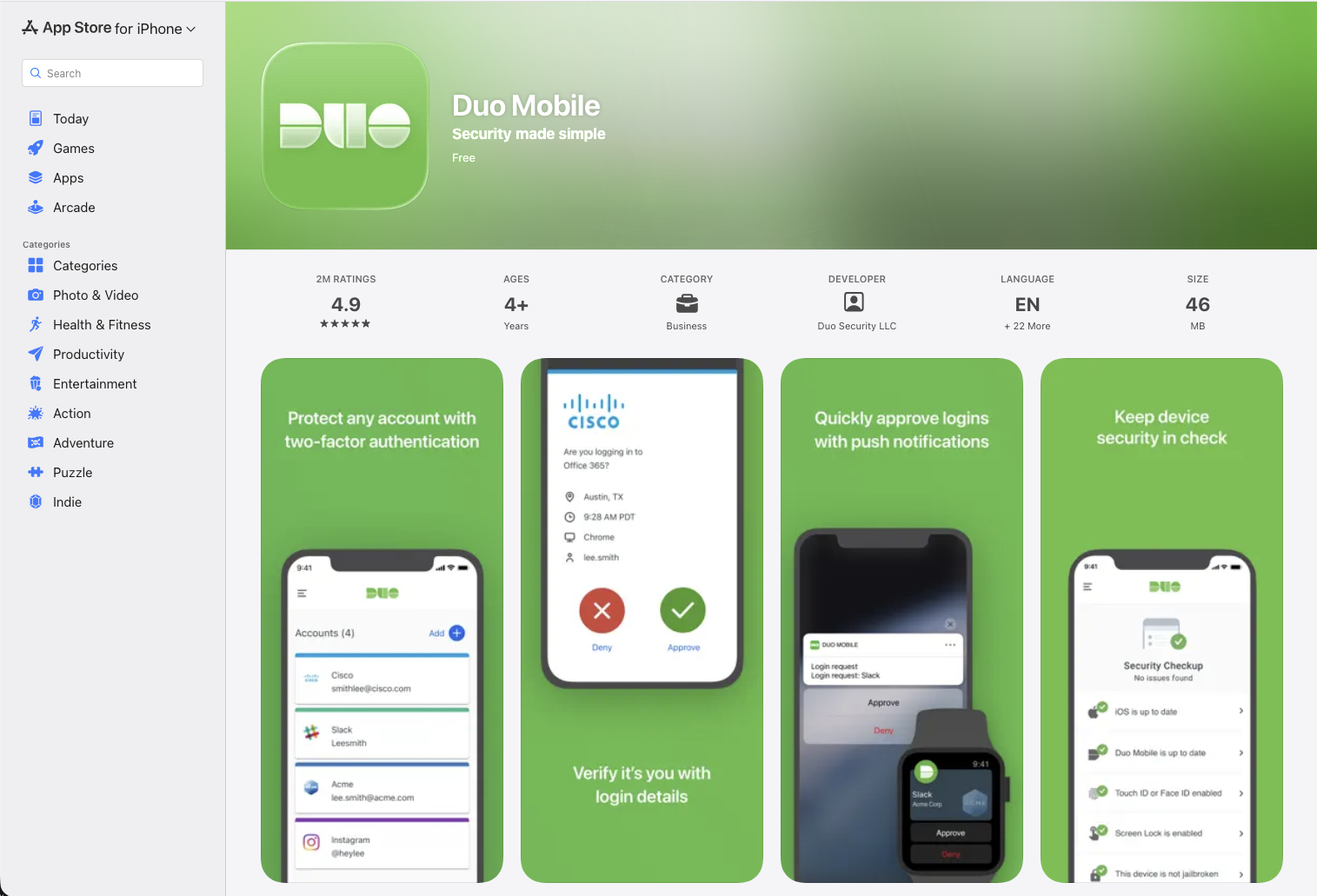
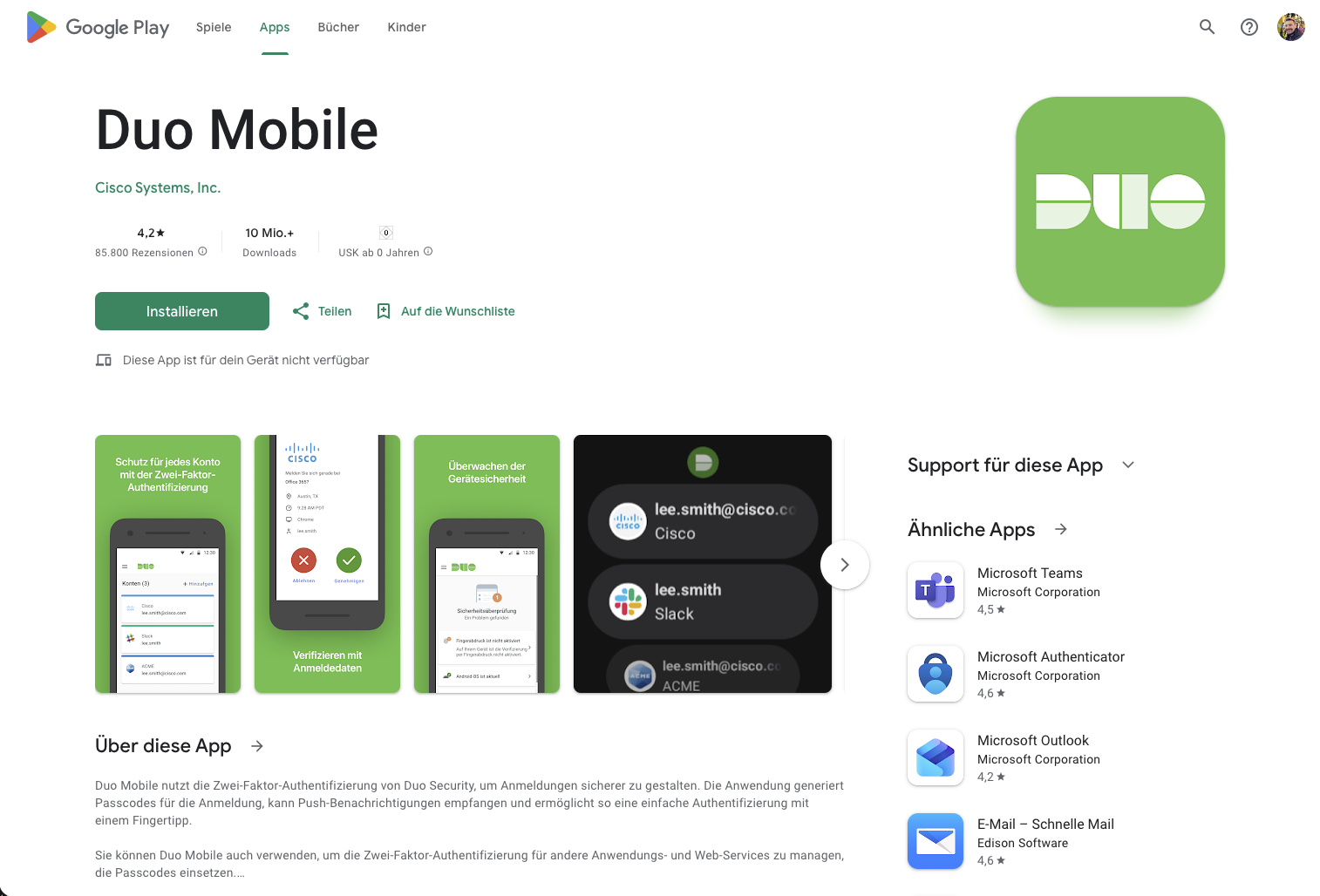
If you cannot download Duo Mobile from Google Play Store, you can alternatively obtain the APK file directly from Cisco Duo’s website. More information is available in the Duo Knowledge Base: https://help.duo.com/s/article/2211
Unsupported Devices
Some devices are currently not supported for Duo Mobile usage. Please note:
- Huawei devices without Google Play services are currently not supported.
- In these cases, a hardware security key can be used instead, for example a YubiKey or another
WebAuth-capable security key.
Guides
Detailed guides for setting up and using Cisco Duo are available for different platforms:
Support and Contact
If you have questions or need support, contact Campus IT: campusit-service@hs-pforzheim.de