Windows / macOS Setup for Duo Mobile
This guide describes how to connect Duo Mobile on Windows and macOS systems with the Cisco Duo platform to complete multi-factor authentication (MFA) setup.
Requirements
- Active university account
- Access to your email inbox
- Smartphone with installable Duo Mobile app
Invitation by Email
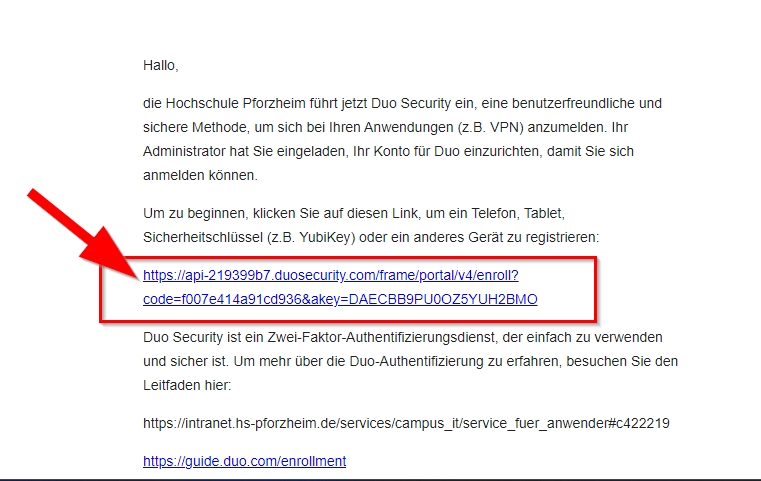
To set up MFA, you will receive a legitimate email from Cisco Duo with this sender address:
no-reply@duosecurity.com
Please always verify the sender address. If you are unsure, contact Campus IT: campusit-service(at)hs-pforzheim(dot)de
Step-by-Step Guide
Open invitation and select link
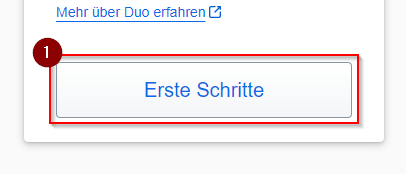
Start setup
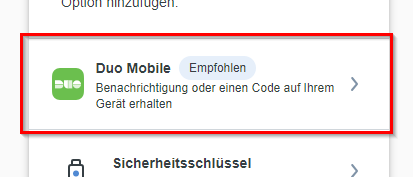
Select Duo Mobile
Enter phone number
Select your country code, enter your phone number, and click “Continue”.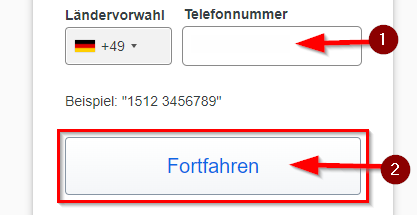
Confirm phone number
Confirm your entry with “Yes, that’s correct.”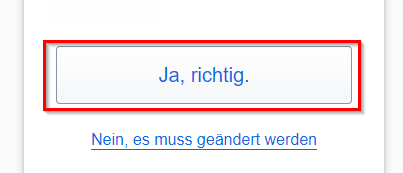
Continue
Click “Continue”.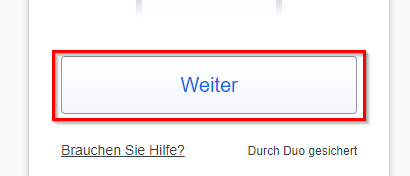
Scan QR code
Open the Duo Mobile app on your smartphone and scan the displayed QR code.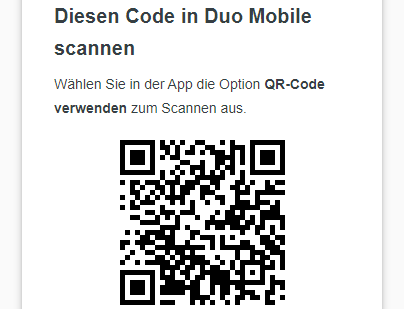
Name account and finish
Assign an account name in the app and tap “Done”.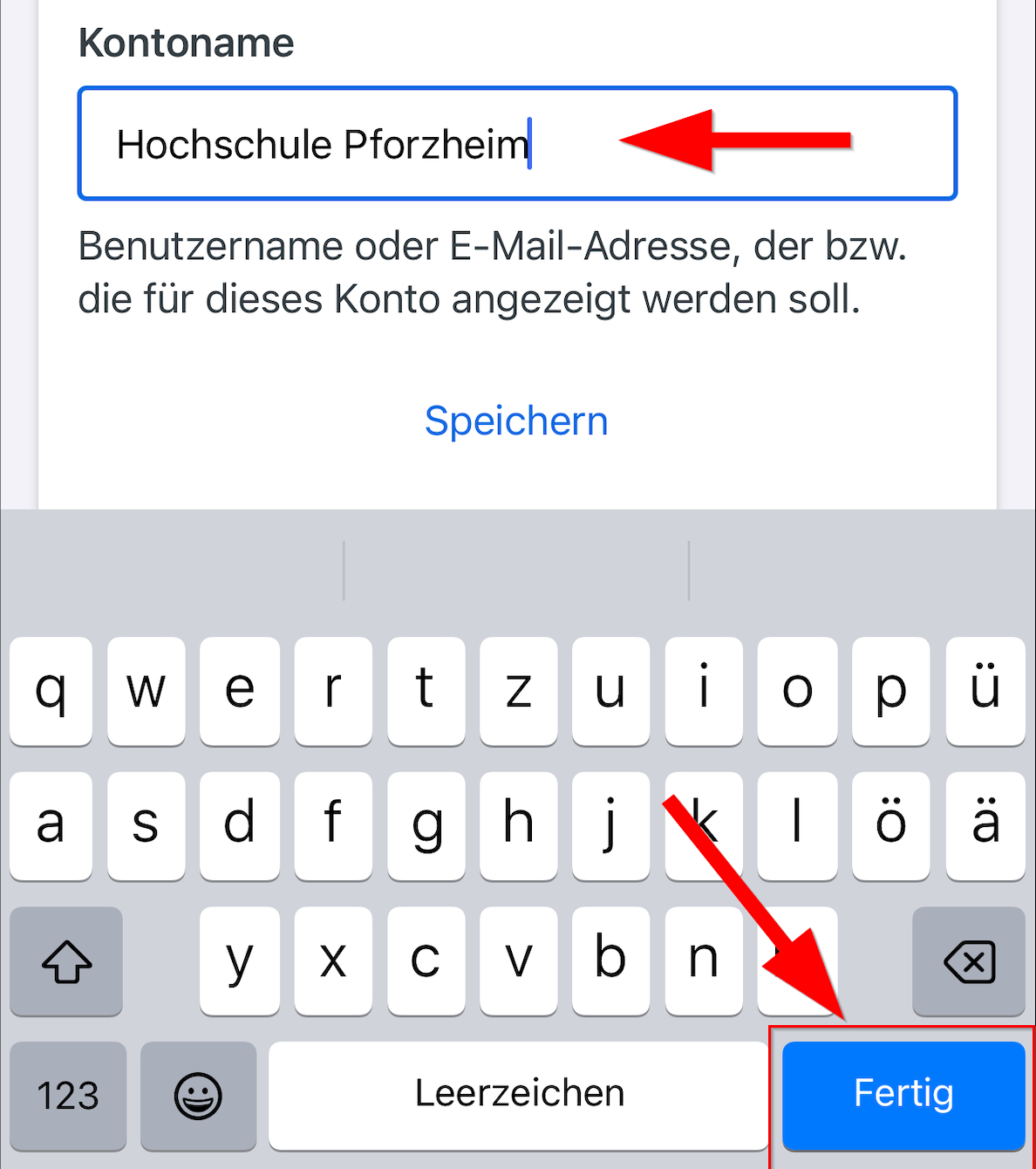
Skip additional devices
Tap “Skip” if you do not want to add additional devices.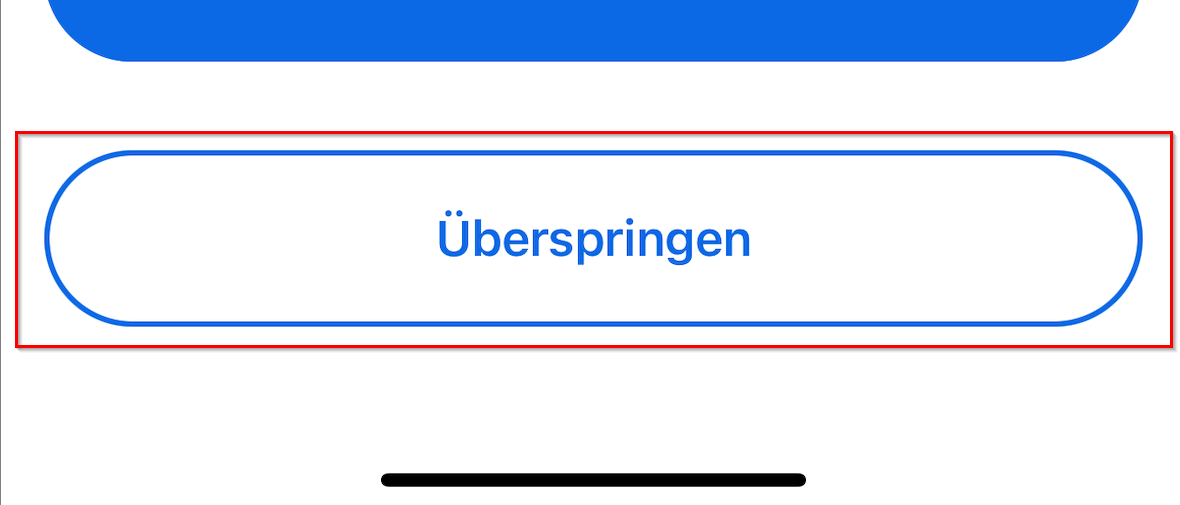
Confirm
Confirm with “OK”.
Complete setup
Click “Continue”.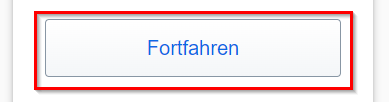
Do not add more devices
Select “I don’t want to add more devices”.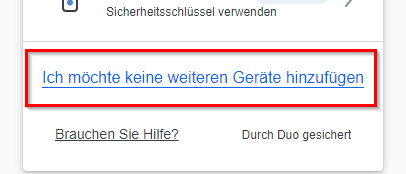
Done
Setup is complete.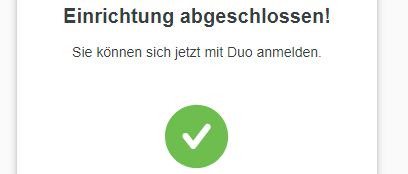
Support
If you have questions or problems, contact Campus IT:
Campus IT Service Desk
campusit-service(at)hs-pforzheim(dot)de