Skip to content

hsx - iOS / iPadOS

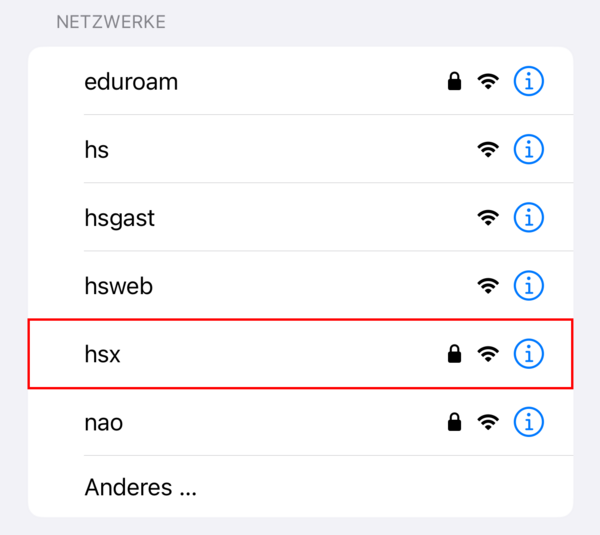
On the Pforzheim University campus, students, staff, and professors should use the Wi-Fi network with the SSID hsx. This network offers higher throughput and direct access to university IT services (for example your personal network drive). An additional VPN connection is not required while using hsx.
Step 1

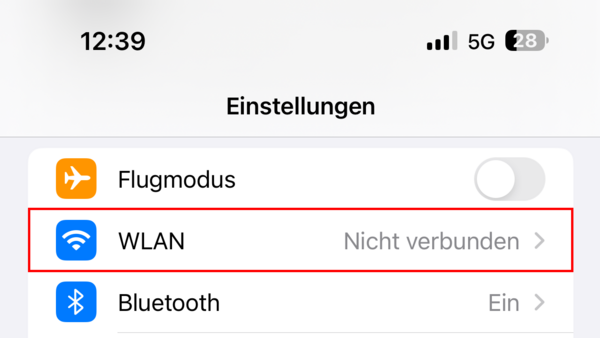
  1. Open “Settings”.
  2. Tap “Wi-Fi”.

Wi-Fi iOS Step 1

Step 2

  1. Select the hsx network.

Wi-Fi iOS Step 2

Step 3

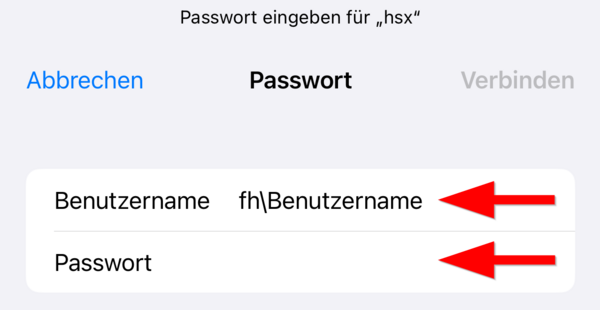
  1. Enter your username in the format fh\username.
  2. Enter your university password.
  3. Tap “Join”.

Wi-Fi iOS Step 3

Step 4

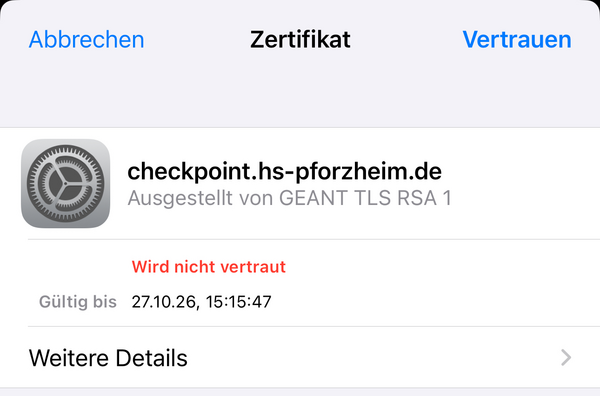
  1. Confirm the displayed certificate with “Trust”.

Wi-Fi iOS Step 4

Step 5

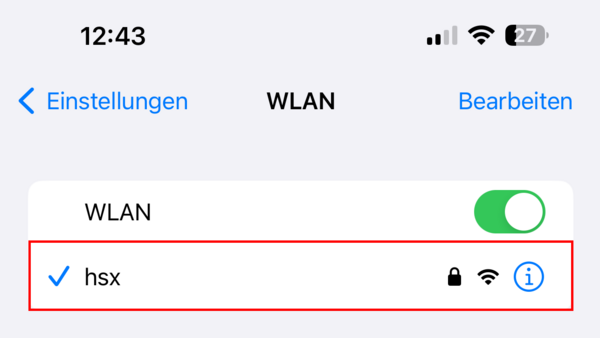
  1. You are now successfully connected to hsx.

Wi-Fi iOS Step 5

Last updated on