Printer Registration
To use the university printing and copying system, you must register once in the billing system. Registration is done directly at a multifunction device on campus.
Step 1
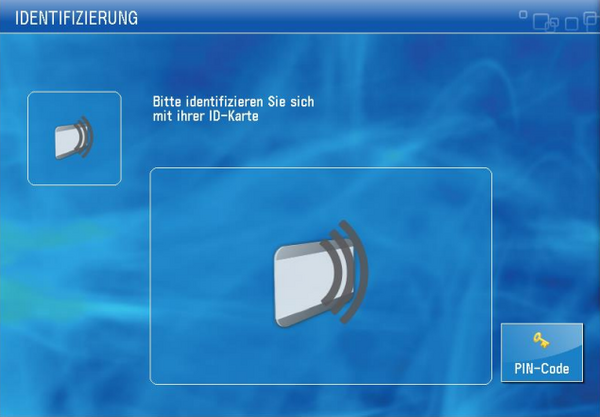
Log in at the Canon multifunction device by placing your chip card on the card reader on the right side of the device.
Step 2
You will see a message/display as shown in the following image.
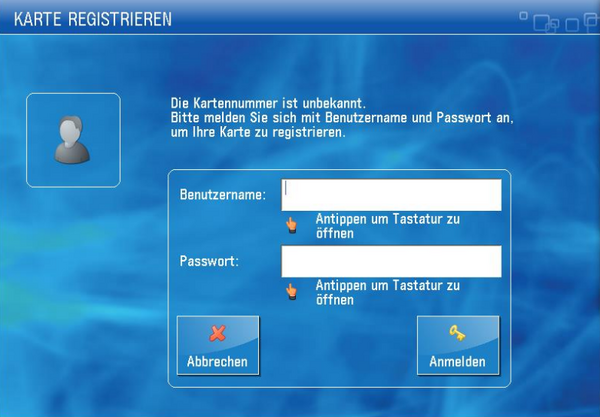
Enter your university account credentials:
- Username: your university account ID (everything before the
@in your university email address) - Password: your university password
After successful login, all multifunction devices across campus are available to you for printing, copying, and scanning. Then log out again by placing your chip card on the card reader once more or pressing the Logout button on the device.
Last updated on